Mechanical switches are the heart of every mechanical keyboard. They determine how a key feels, how loud it is and how fast it actuates. Our switch guides explain the differences between linear, tactile and clicky switches in plain language.
We cover force curves, actuation points, travel distances and factory lube quality from major brands like Cherry, Gateron, Kailh and Akko. Whether you are chasing a thocky sound, a silent office setup or a competitive gaming edge, you will find the details you need here.
Browse the articles below to compare switch types, discover new brands and understand the specs that actually affect your typing experience.
Frequently Asked Questions
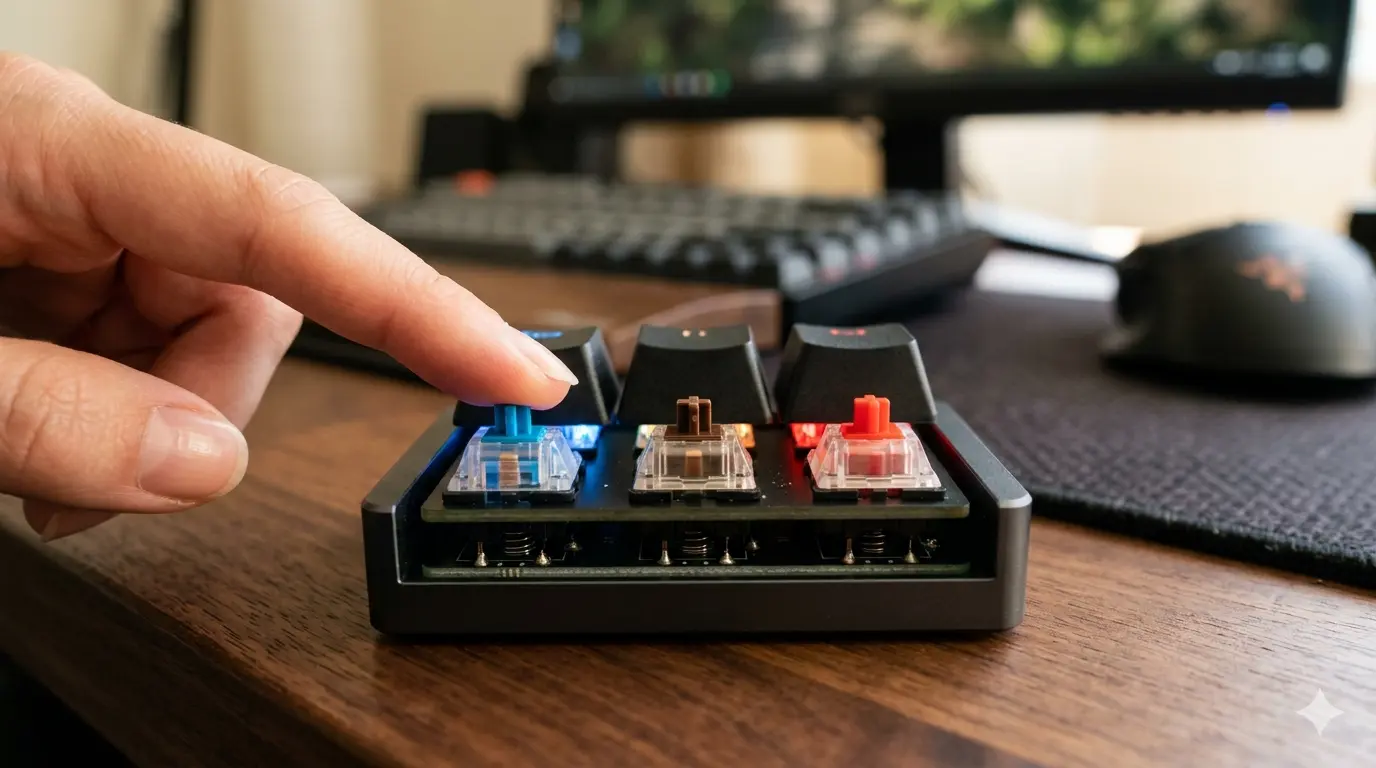
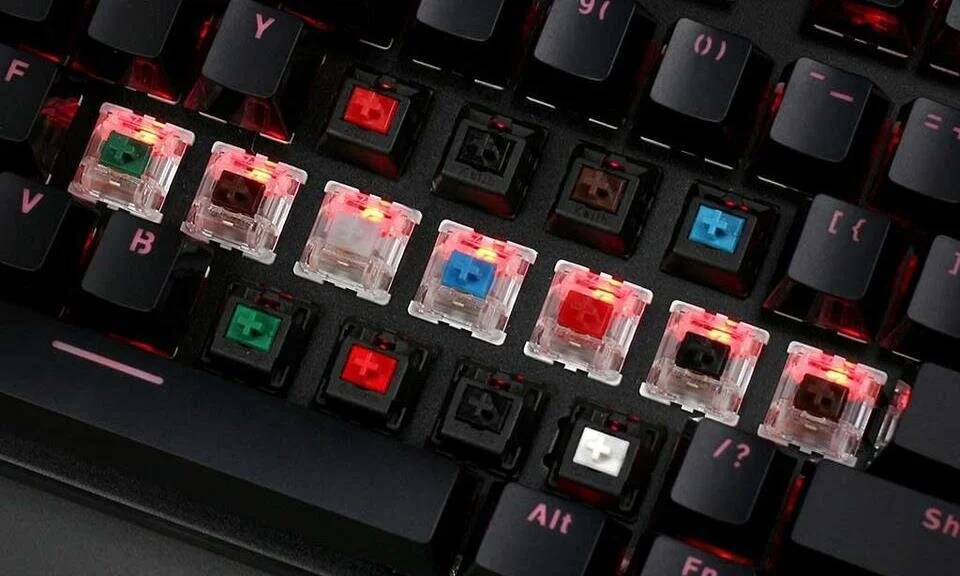
Linear switches move smoothly from top to bottom with no bump or click. Tactile switches have a noticeable bump at the actuation point for feedback. Clicky switches add an audible click to the tactile bump, making them the loudest of the three.
There is no single best brand. Cherry MX remains the reliability benchmark, Gateron offers excellent smoothness at lower prices, Kailh innovates with new designs and Akko delivers great custom colors. Match the switch to your preference, not the brand name.
Yes, if you work in shared spaces or prefer a quieter typing experience. Silent linear and silent tactile switches use dampeners to reduce bottom-out and up-stroke noise without sacrificing feel.
Actuation force is the amount of pressure needed to register a keystroke. Light switches (35–45 g) are fast and comfortable for long sessions. Medium switches (45–60 g) offer more feedback. Heavy switches (60+ g) are preferred by some typists for precision.
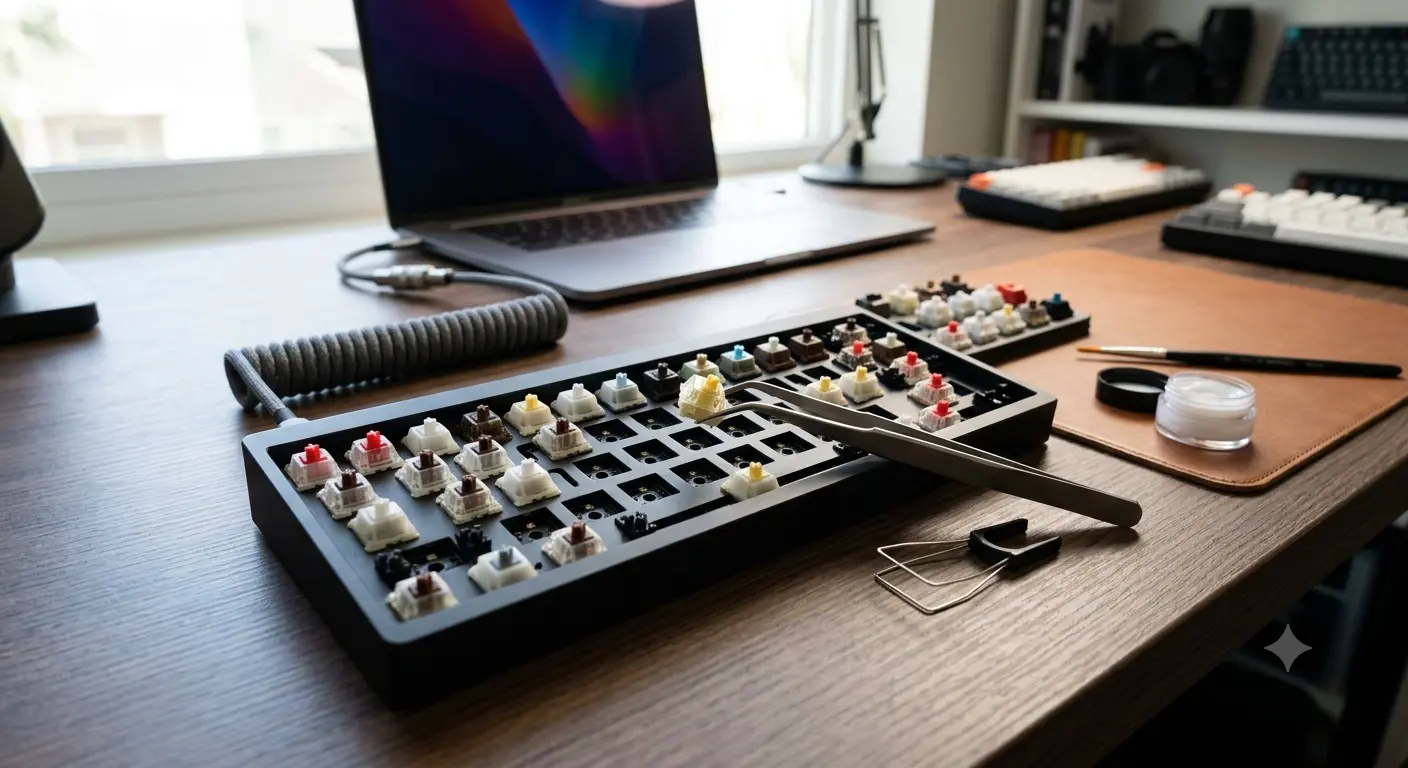
Only if the keyboard has a hot-swap PCB. Soldered boards require desoldering to change switches. Check the product description for "hot-swappable" or "3-pin/5-pin sockets" before buying if switch swapping matters to you.