New to mechanical keyboards? Our learn section covers the fundamentals — how switches work, what keyboard sizes mean, why stabilizers matter and how to read specs. No prior knowledge required.
We explain concepts like actuation force, travel distance, polling rate and N-key rollover in plain language. You will also find deep dives into keyboard history, ergonomics and the science behind switch design.
Start with the beginner articles below and progress to advanced topics as your knowledge grows. Each article links to related guides and reviews so you can explore naturally.
Frequently Asked Questions
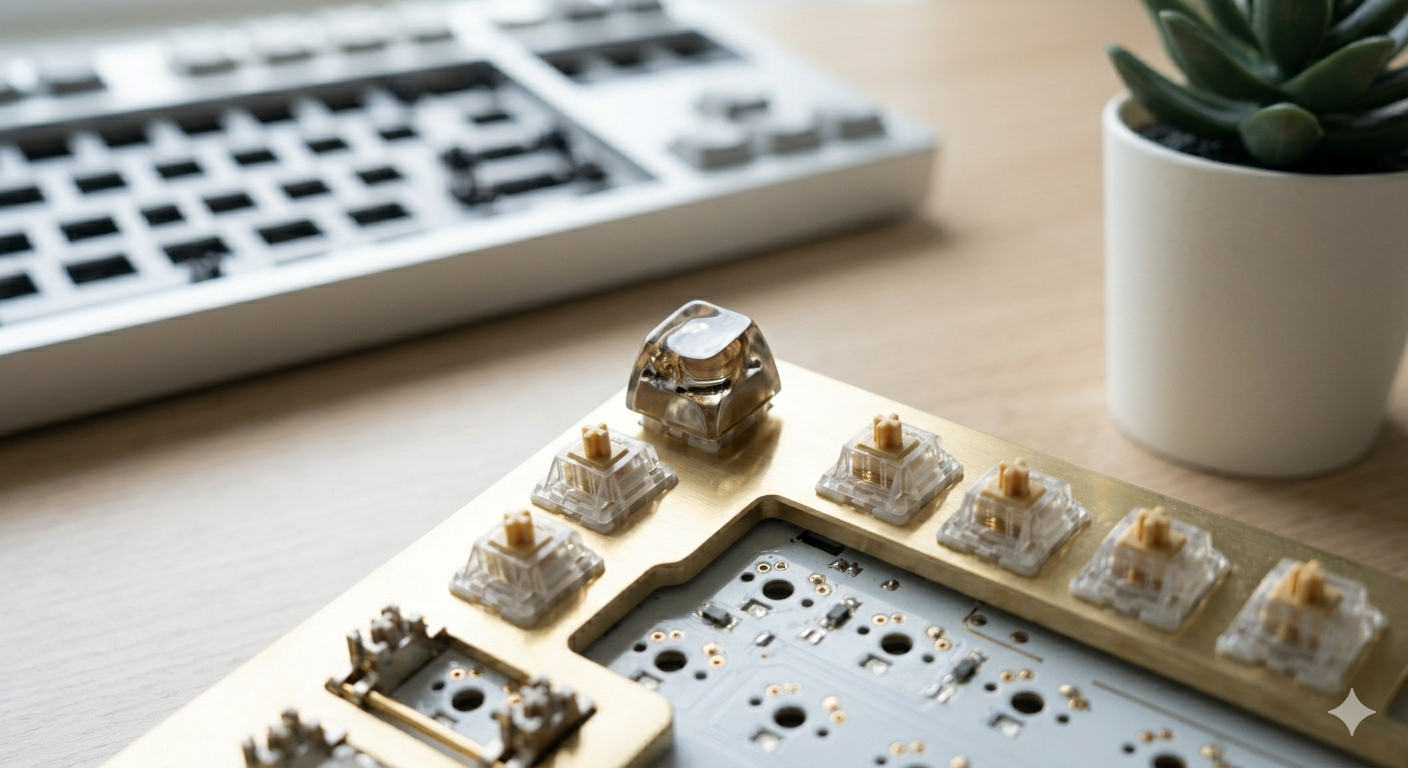
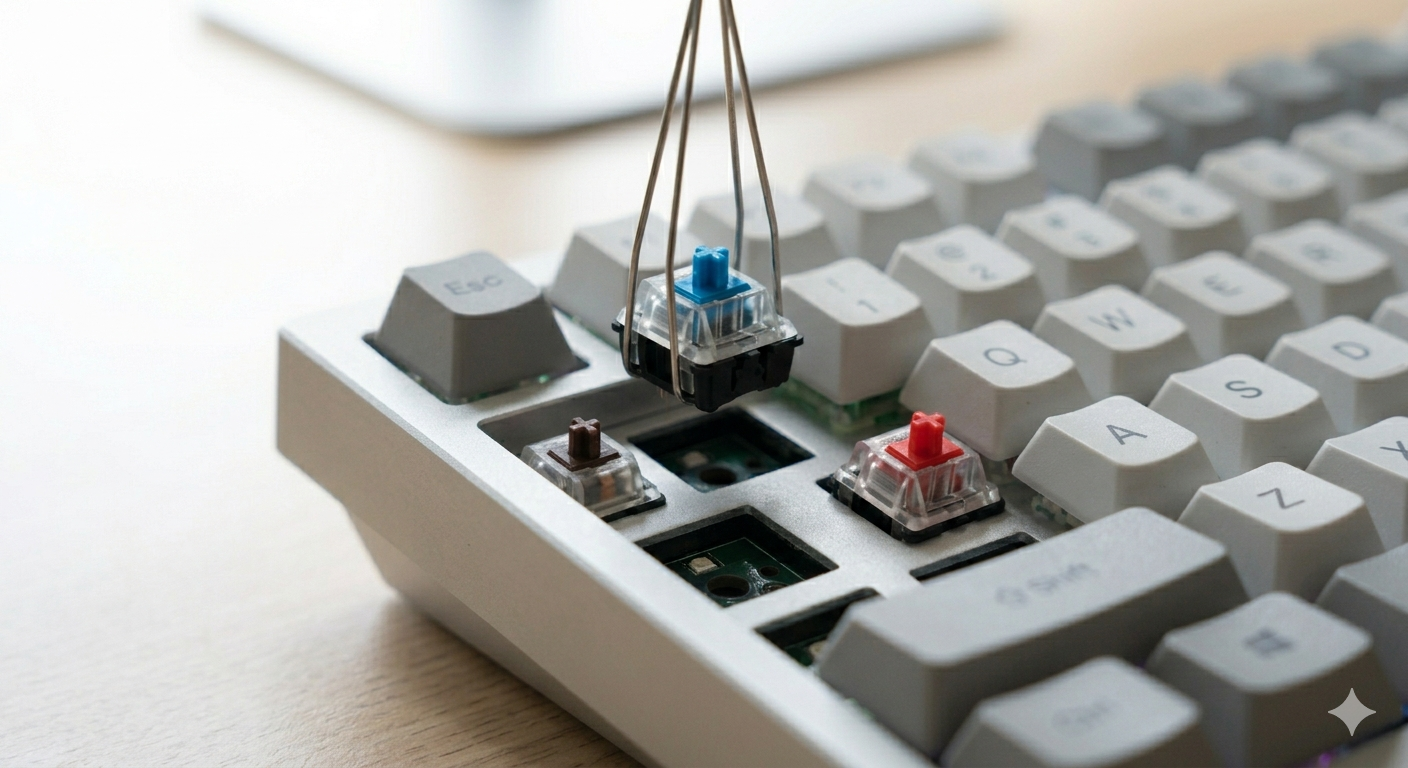
A mechanical keyboard uses individual switches under each key, each with its own spring and contact mechanism. This differs from membrane or scissor-switch keyboards that use a single rubber dome sheet. Mechanical switches provide consistent feel, longer lifespan and easier customization.
They offer better typing feel, longer durability, extensive customization and a satisfying sound profile. Enthusiasts also enjoy the hobby aspect — building, modding and collecting unique boards and switches.
Many gamers prefer mechanical keyboards for their fast actuation, N-key rollover and customizable layouts. Linear switches are popular for FPS games, while tactile switches suit strategy and RPG players who type frequently.
N-key rollover means the keyboard can register every key pressed simultaneously, no matter how many. This is important for gaming and fast typing. Most modern mechanical keyboards support NKRO over USB.
Yes. Any mechanical keyboard with USB or Bluetooth connectivity works with laptops. Many users prefer an external mechanical keyboard for better ergonomics and typing feel, even when traveling.