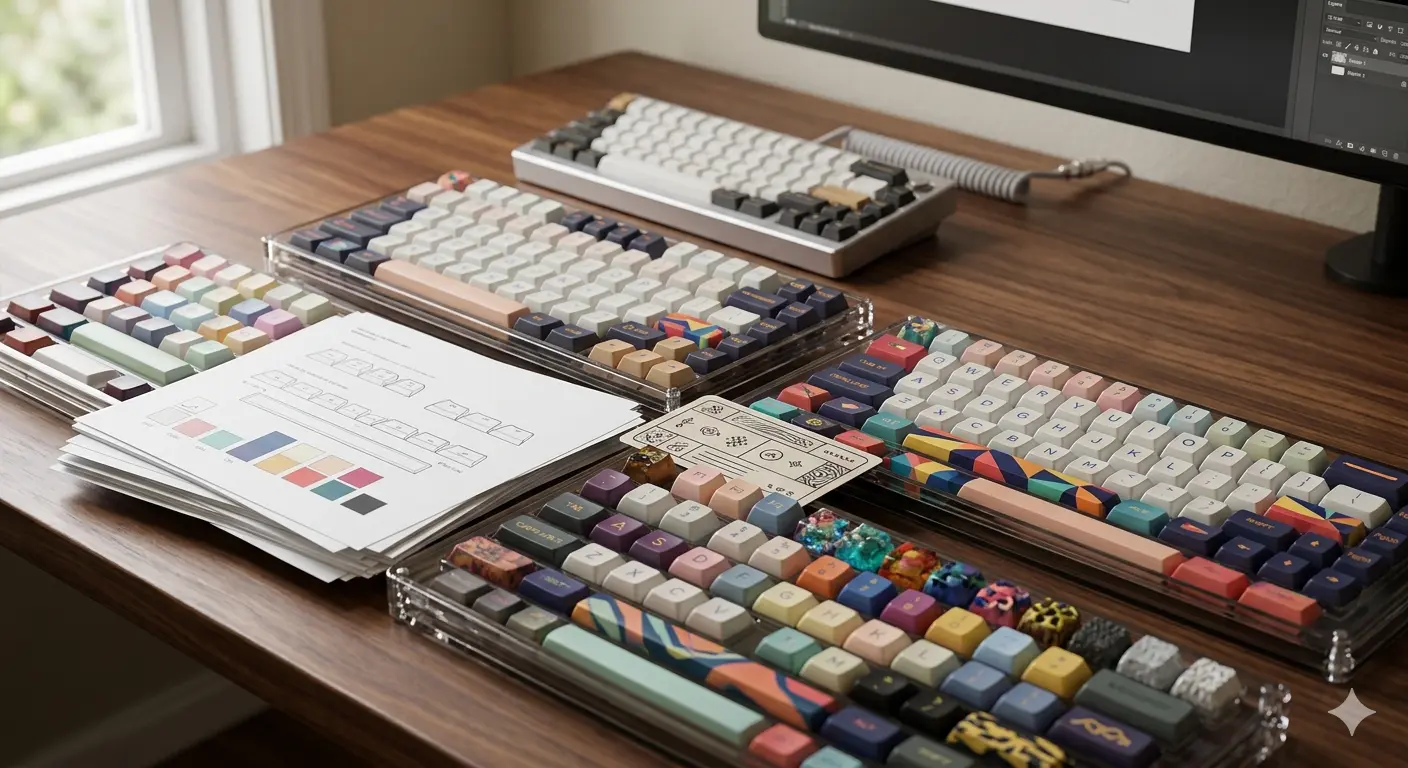
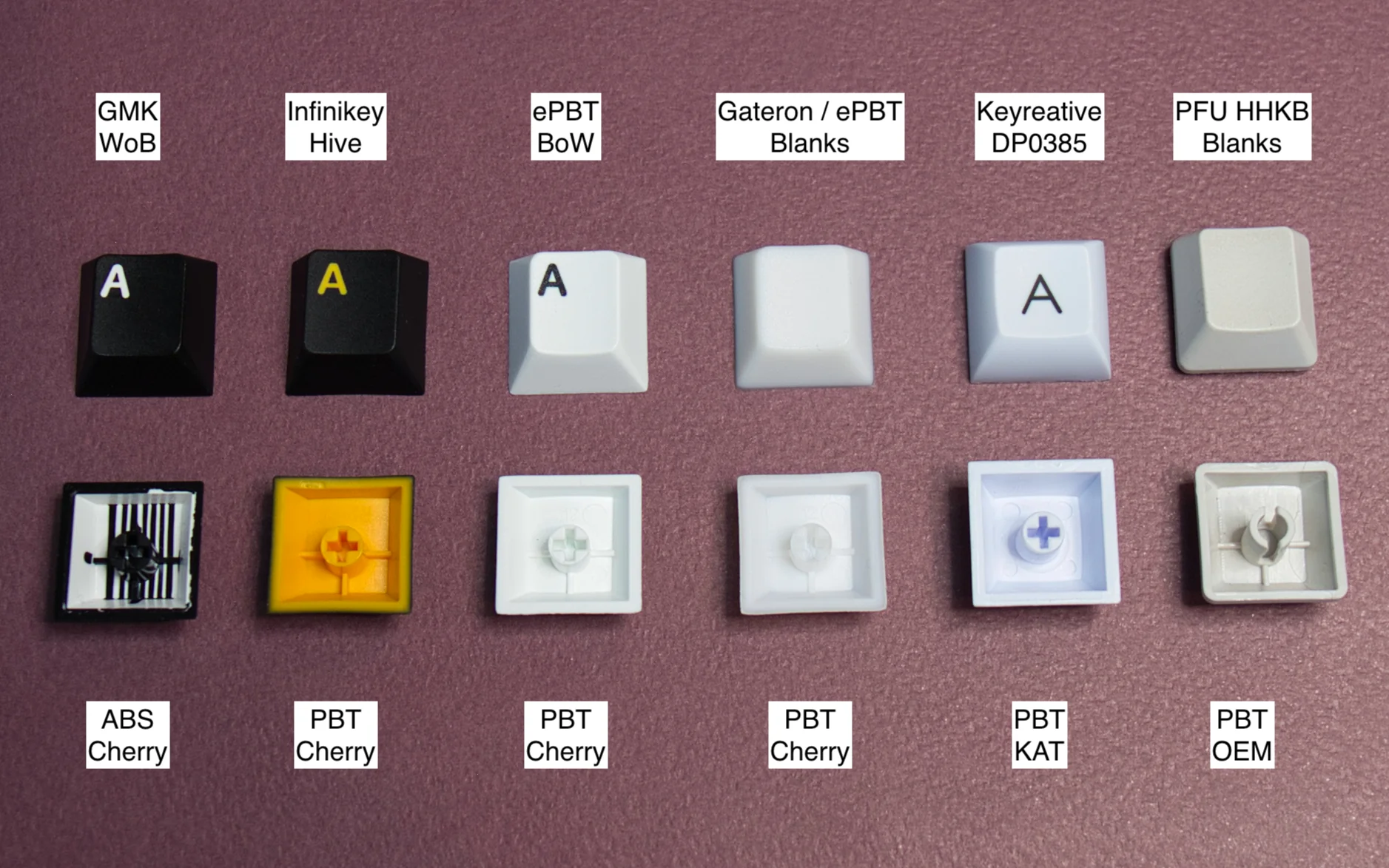
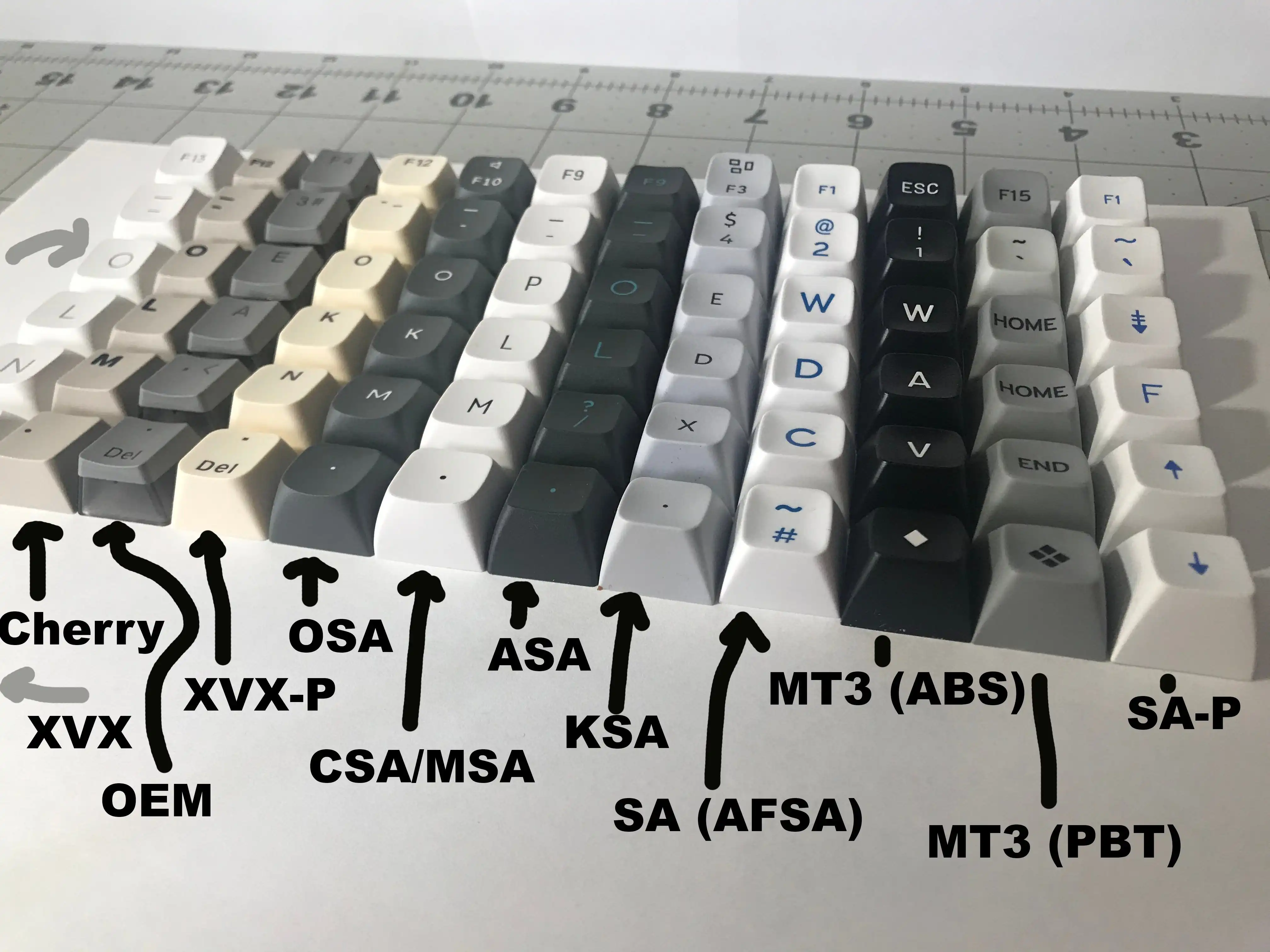
Keycaps are more than just plastic tops — they define the look, feel and sound of your keyboard. Our keycap guides explain the differences between ABS and PBT, profile shapes like Cherry and OEM, and how to choose a set that matches your board and style.
We cover dye-sub vs double-shot legends, thickness measurements, texture differences and compatibility with various switch stems and keyboard layouts. Whether you want a minimalist white-on-black set or a colorful custom kit, our guides help you shop smarter.
Browse the articles below to learn about keycap materials, find the best budget sets and discover premium options from brands like GMK, Signature Plastics and Drop.
Frequently Asked Questions
ABS is smoother and can develop a shine over time, but offers vivid colors and fine detail. PBT is more durable, textured and resistant to shine, but colors are usually more muted. Both are valid choices depending on your priorities.
Cherry and OEM profiles are the most popular for general typing. Cherry has a lower height that many find comfortable for long sessions. SA and MT3 are sculpted and taller, which some typists love and others find tiring.
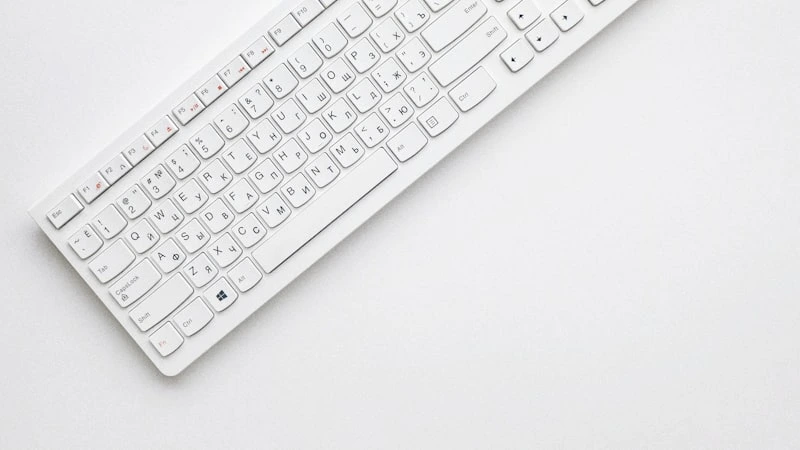
No. You need to match the stem type (MX-style for most mechanical keyboards), the layout (ANSI vs ISO) and the number of keys included. Some compact boards need special kits with smaller modifiers.
Budget PBT sets start around $20–$40. Mid-range dye-sub or double-shot sets cost $50–$90. Premium GMK and custom kits can run $120–$200+. Our guides recommend the best sets in each price bracket.
Yes. Thicker keycaps tend to produce a deeper, more muted sound. Thinner caps can sound higher-pitched and more resonant. Material (ABS vs PBT) and profile height also affect the overall acoustic profile of your board.