65% vs 75% Keyboard: The Practical Comparison
By Jota Martínez •

The 65% and 75% keyboard layouts are closer in size than people expect — often just 30–40mm difference in width. But the key distinction is significant: the 75% has a dedicated function row (F1–F12); the 65% doesn't. If you use F-keys regularly — for IDE shortcuts, browser debug tools, gaming macros, or media controls — that row matters.
This comparison covers every practical difference between the two layouts, who benefits from each, and what the size and price differences actually look like.
65% vs 75%: Side-by-Side Comparison
| Feature | 65% Keyboard | 75% Keyboard |
|---|---|---|
| Key count | ~67–68 keys | ~84 keys |
| Arrow keys | Dedicated | Dedicated |
| Function row (F1–F12) | Via Fn layer only | Dedicated row |
| Width | ~30–31 cm | ~32–34 cm |
| Navigation cluster | Delete, PgUp/PgDn (partial) | Delete, Insert, PgUp/PgDn, Home/End |
| Typical price | €60–350+ | €70–400+ |
| Best for | Pure gaming, minimalist desk setups, portable use | Coding, professional work, gaming + productivity mixed |
65%: Compact Workhorse Without F-Keys
The 65% is the smallest keyboard layout with dedicated arrow keys — a key threshold for many users transitioning from larger boards. It retains the core alpha cluster, number row, arrow keys, and a partial navigation cluster (typically Delete, Page Up, Page Down). The function row is accessible via a Fn layer, but absent as dedicated keys.
75%: The Professional Compact
The 75% keyboard adds a dedicated function row to the 65% layout, typically in a tightly packed single-column arrangement running down the right side (or a traditional top row). This makes the physical size increase over a 65% minimal — usually 20–30mm wider — while restoring full keyboard functionality. You get all letters, numbers, arrows, navigation, and F-keys.
Which Should You Choose?
The decision mostly hinges on how often you use function keys:
Looking for the 60% vs 65% comparison? Read our guide on 60% vs 65% keyboards. For the full overview of all keyboard sizes, see our keyboard sizes explained guide. For general buying guidance, see how to choose a mechanical keyboard.
Frequently Asked Questions
Want to see all keyboard sizes?
Our keyboard sizes guide covers every layout from 40% to full-size — with real-world comparisons and specific board recommendations.
Read the complete keyboard sizes guideRelated Articles
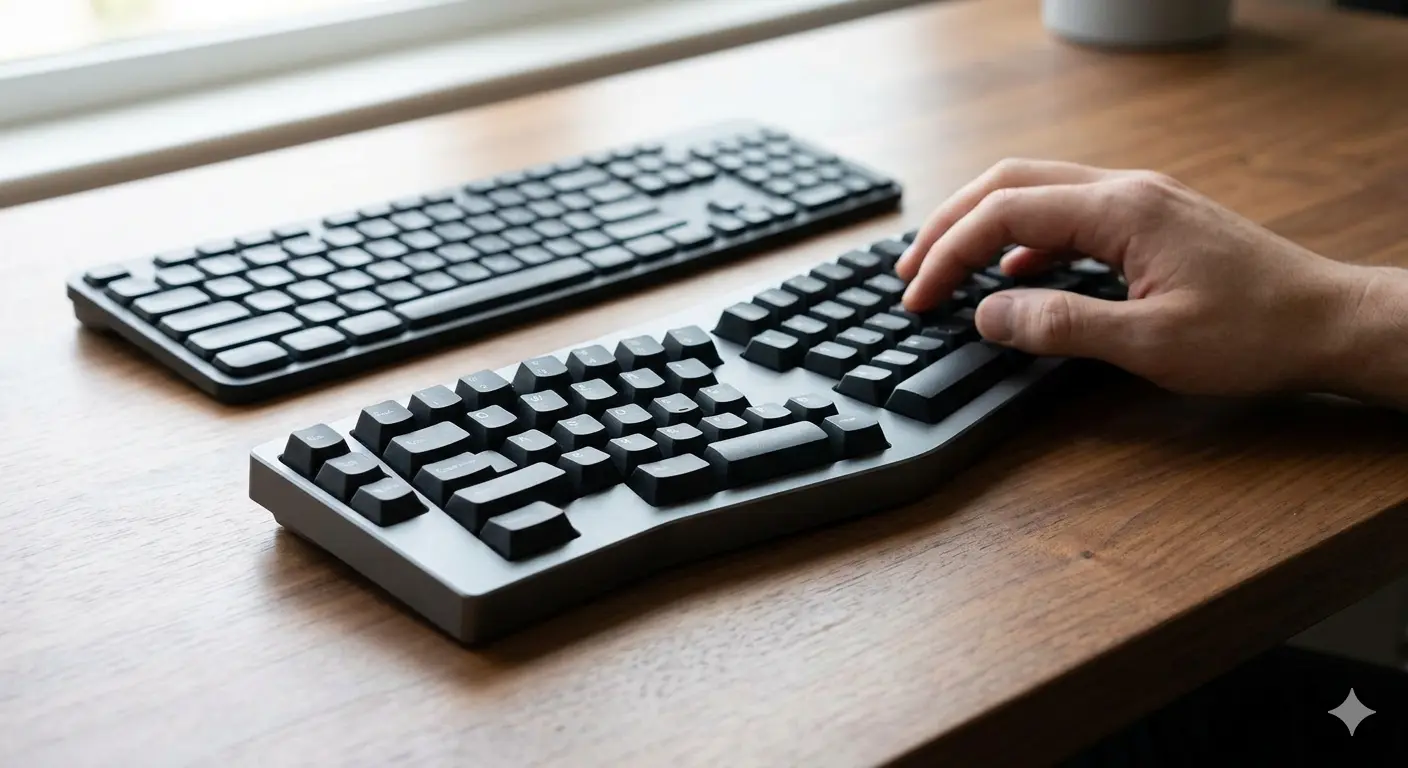
Split vs Regular Keyboard: When Does It Make Sense to Switch?
Split keyboards offer real ergonomic benefits — but for whom? We cover the science, the learning curve, and the models worth trying in 2026.

Mechanical Keyboard vs Membrane: An Honest Comparison
Mechanical vs membrane keyboard: lifespan, typing feel, noise, price and customization compared side by side. Which one is actually right for you?
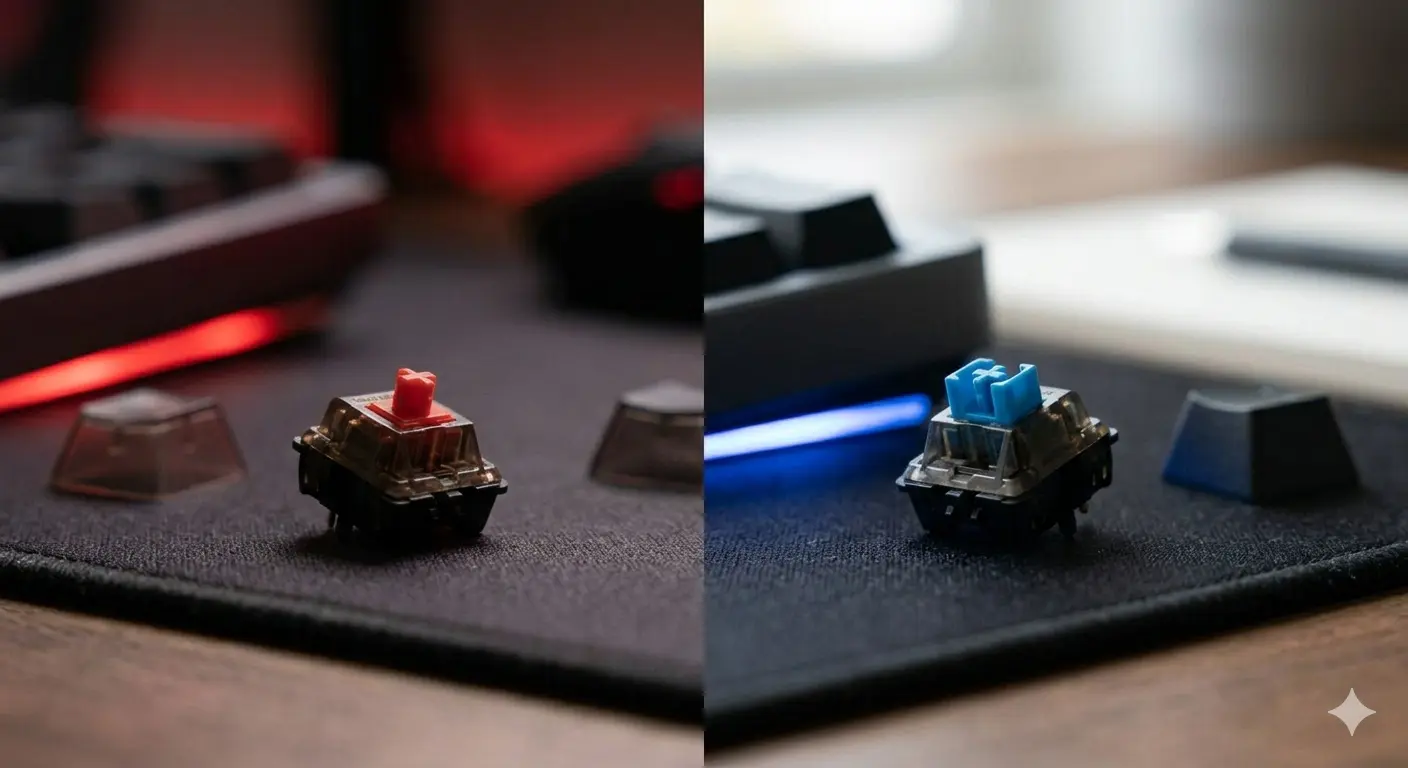
Cherry MX Red vs Blue: Gaming vs Typing Compared
Cherry MX Red vs Blue — the two most popular switches head to head. Specs, sound, gaming performance, typing feel, and which one you should actually get.